Product

Meet Looplet

One place to organize your group, with an AI assistant built right in.

Looplet brings group information, communication, and logistics together so leaders spend less time managing the details and members spend less time trying to find them.

Get Started
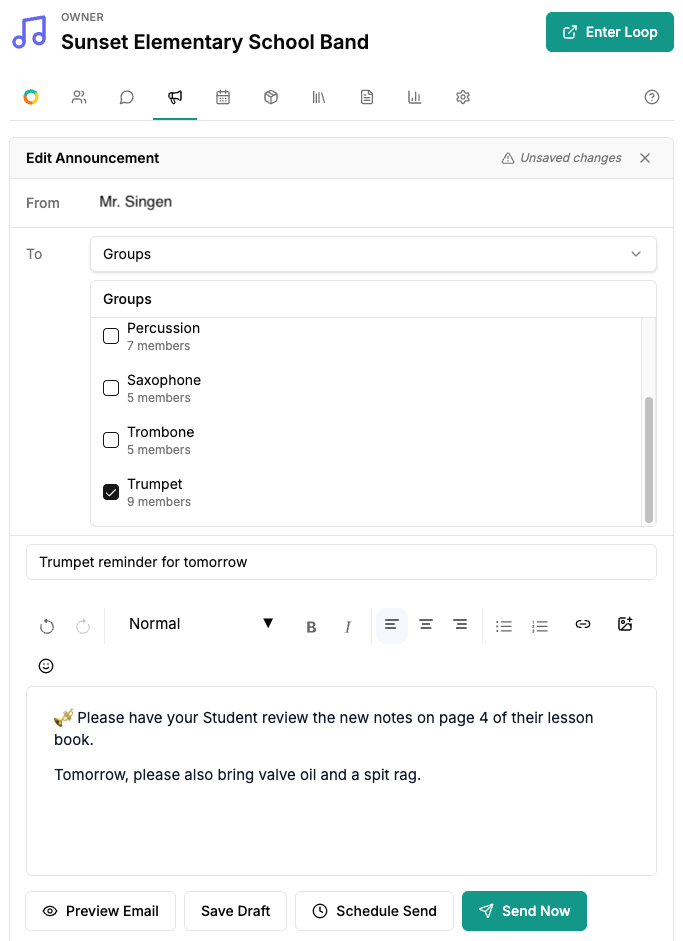
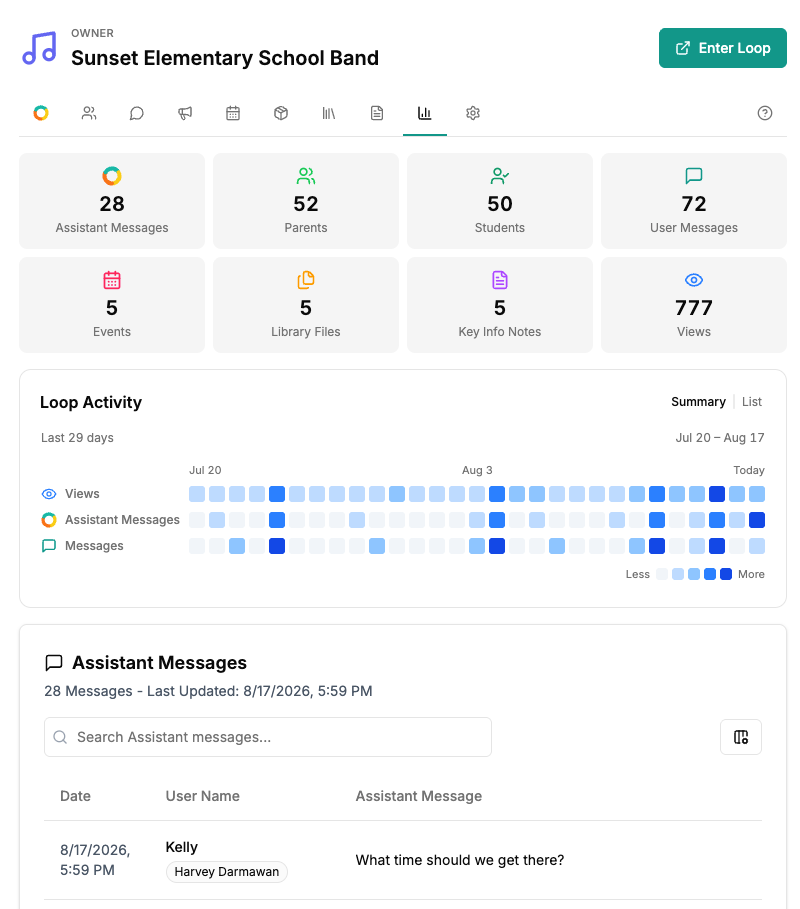
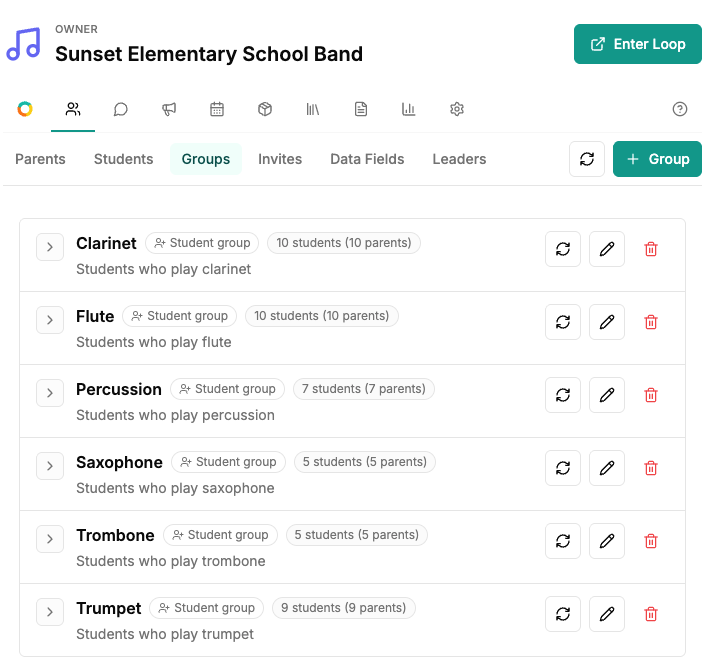
A school band leader organizes members into instrument and parent groups
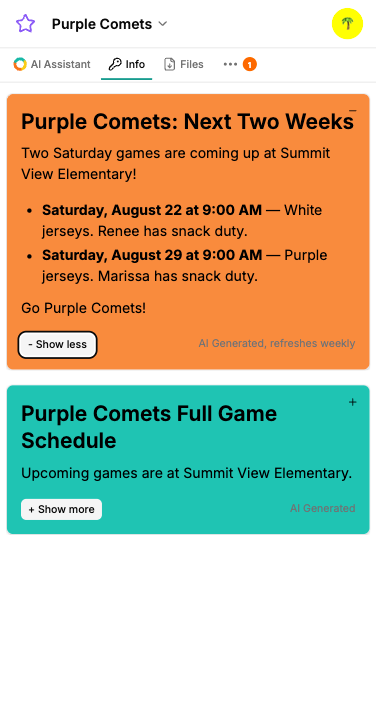
A soccer member sees current team details in Key Info

The Loop Library

Bring the stuff you already have.

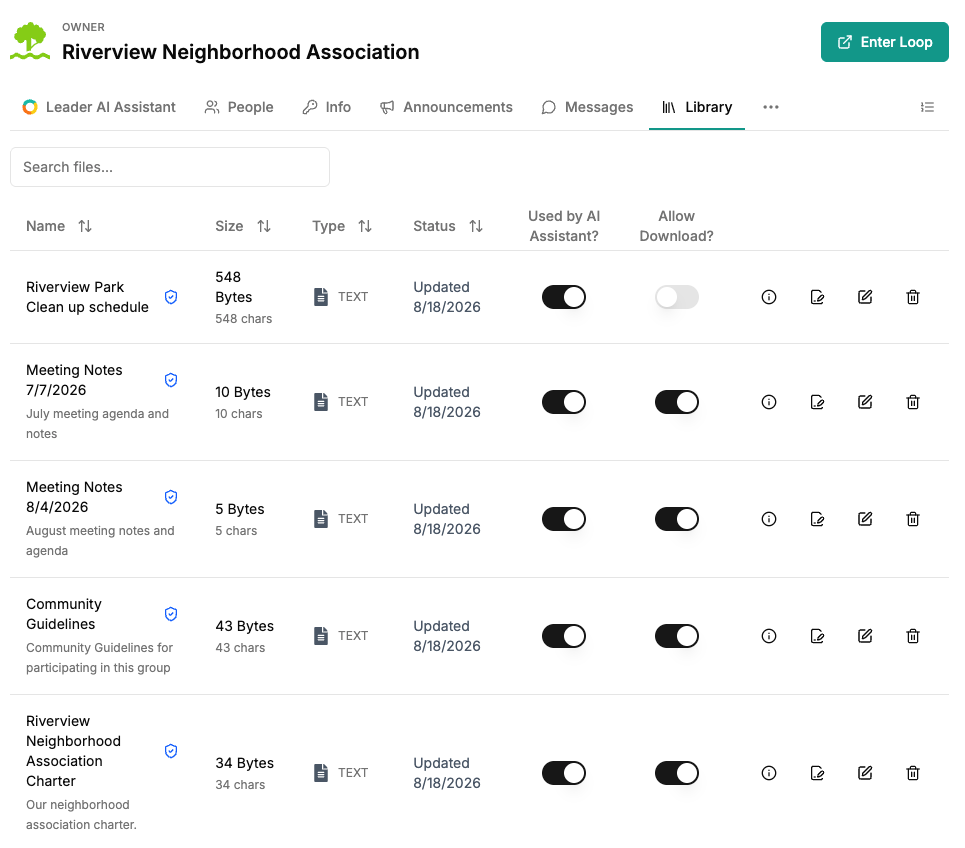
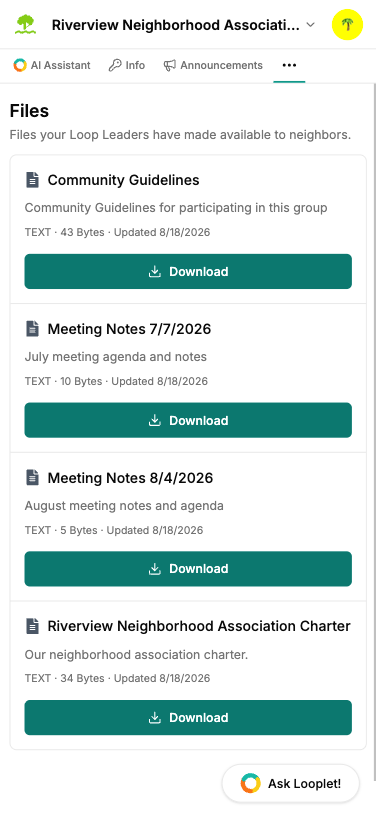
Schedules. Handbooks. Instructions. PDFs. Spreadsheets. Images. Event details. Upload it once and Looplet can use it to answer questions and create useful content for your group.

Loop Leaders decide which Library content members can directly view or download.
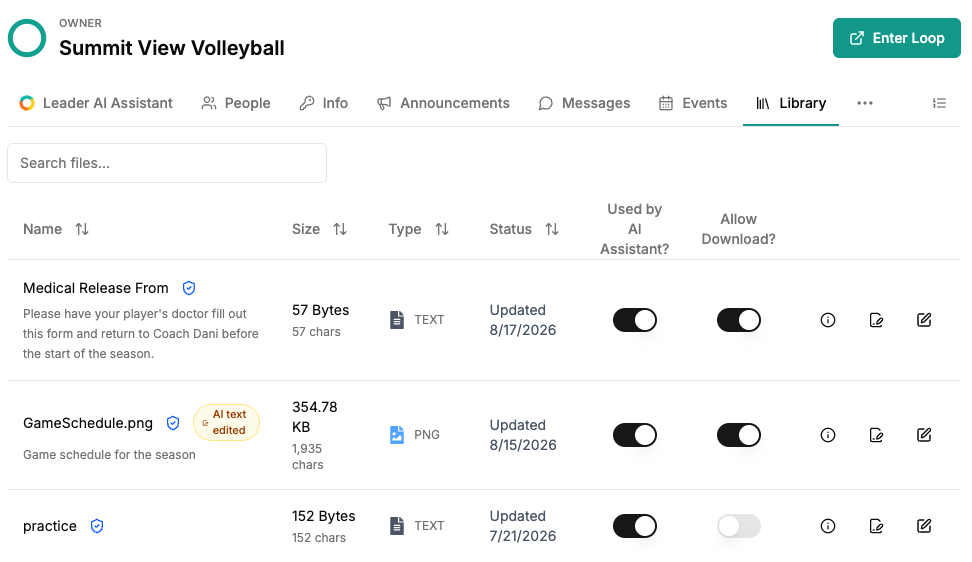
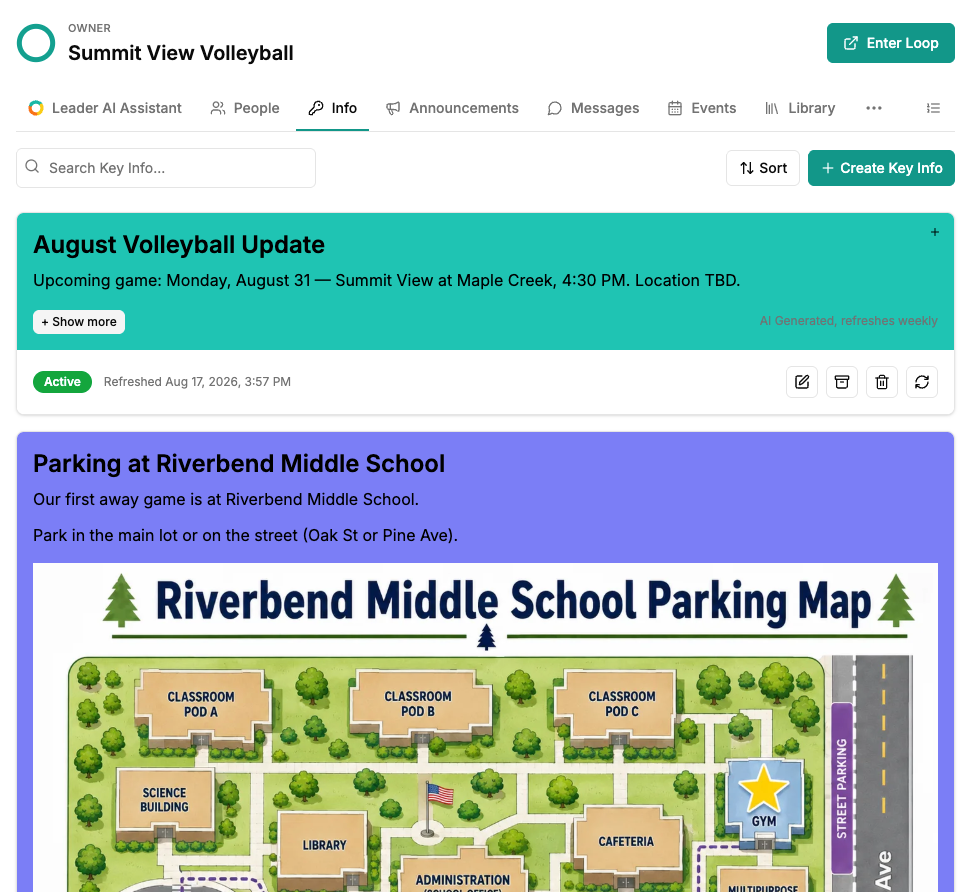
A volleyball leader views team schedules and reference files in the Loop Library

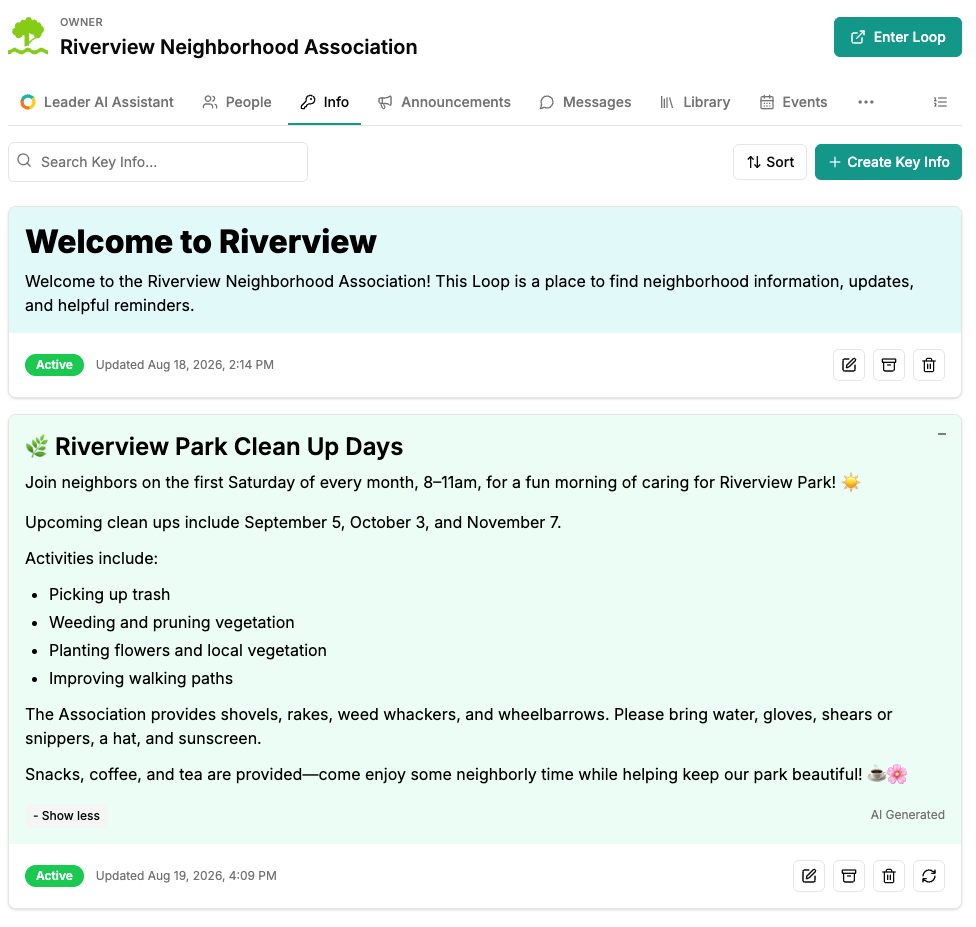
Key Info

Put the important stuff where people will actually see it.

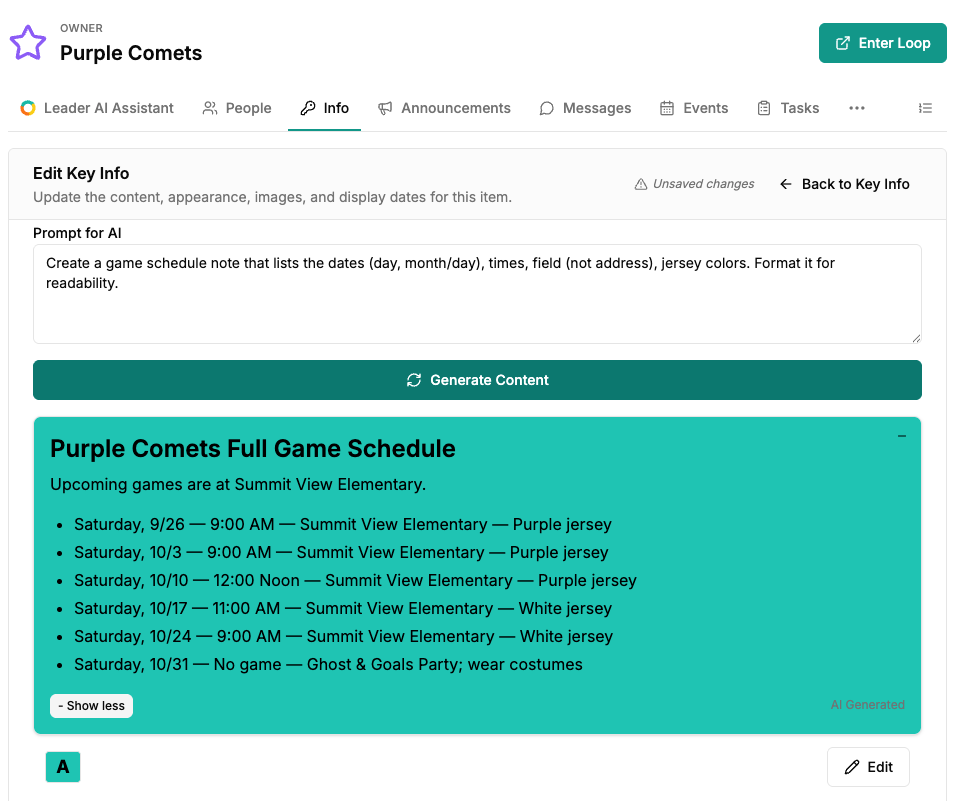
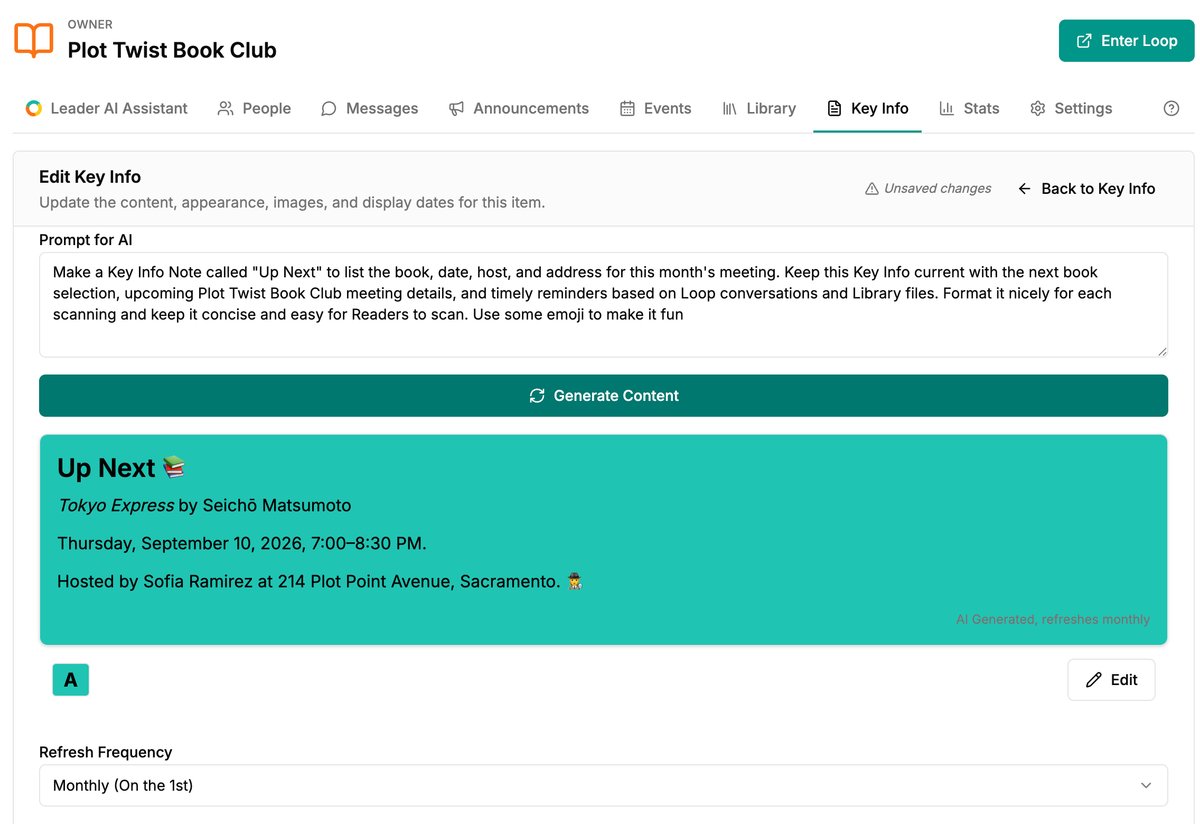
Create notes for common questions, upcoming deadlines, this week's schedule, event instructions, or anything members should not have to hunt for. Looplet can draft Key Info from your Library and help refresh recurring information as things change.

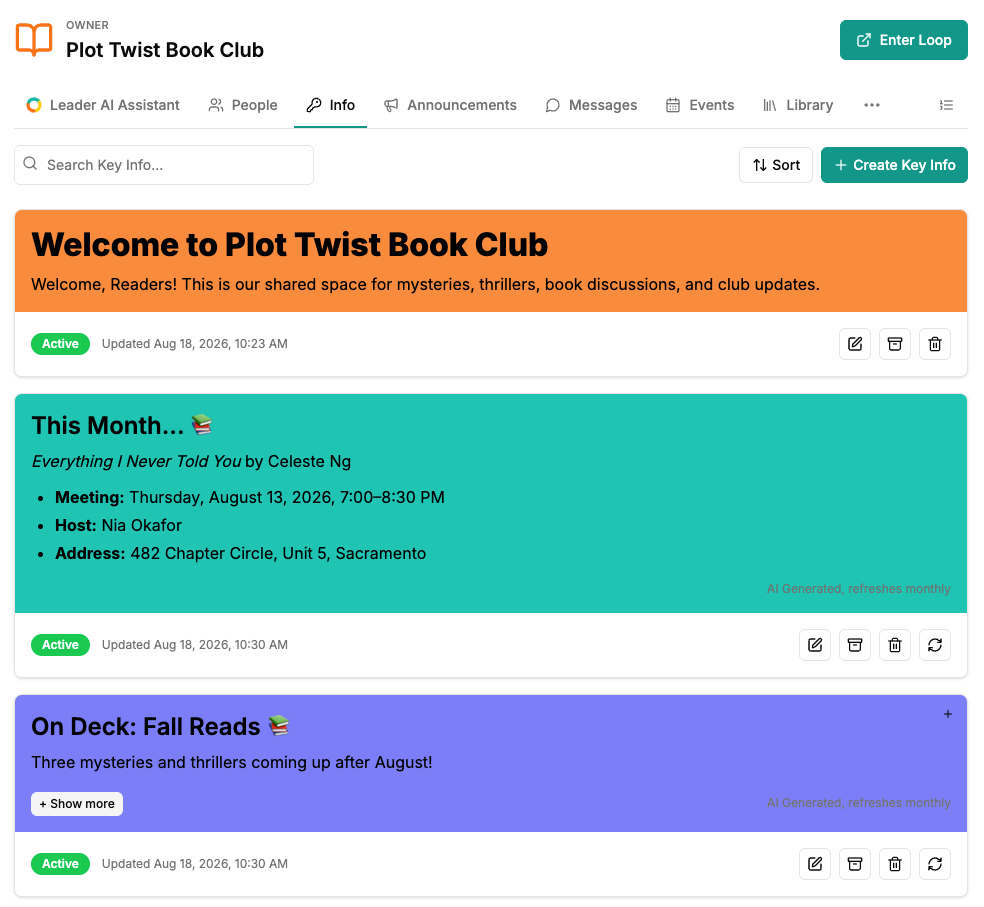
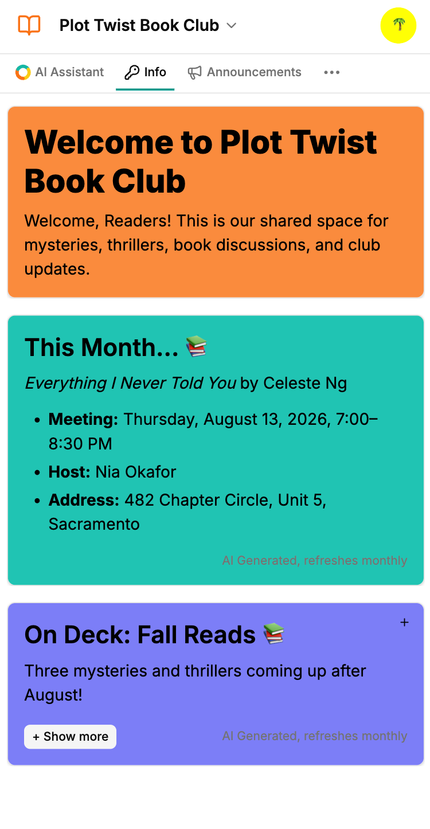
A book club leader reviews current reading and meeting details in Key Info

Announcements & Messaging

Get the word out without handing out your personal number.

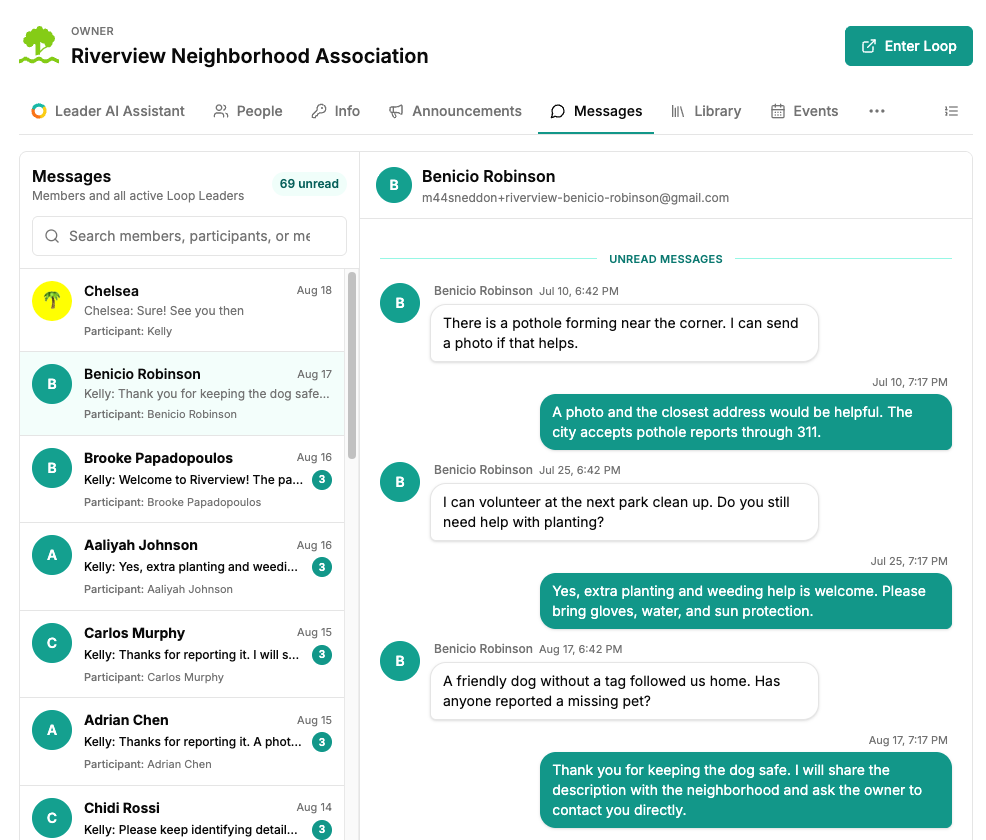
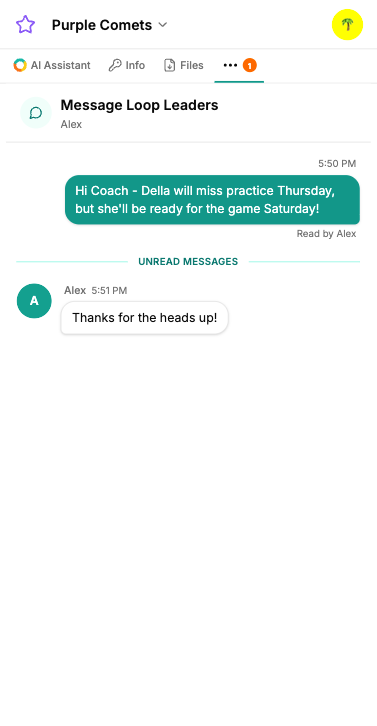
Send announcements to everyone or just the people who need them. Message members directly and keep group communication separate from your personal inbox and phone number.

Events

One practice? Easy. Thirty games? Also easy.

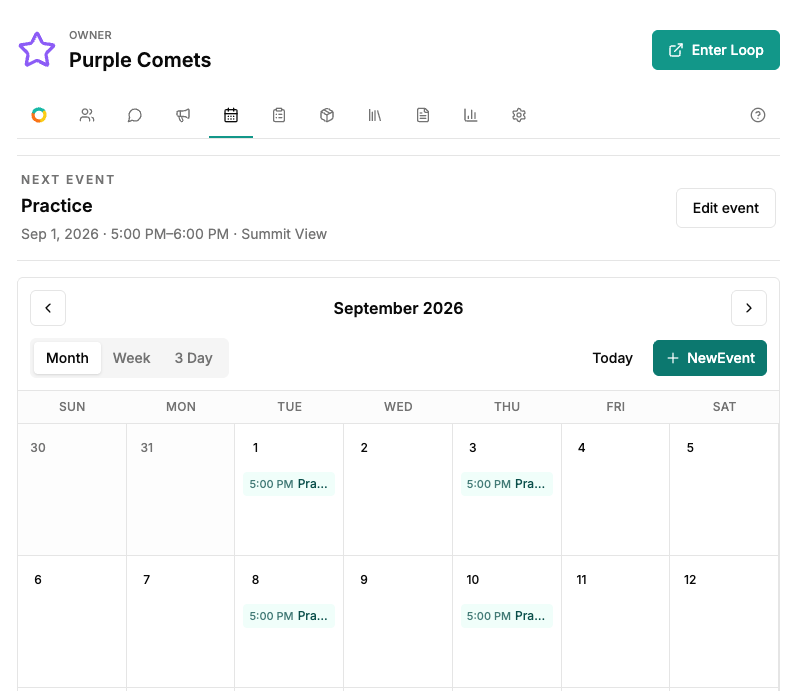
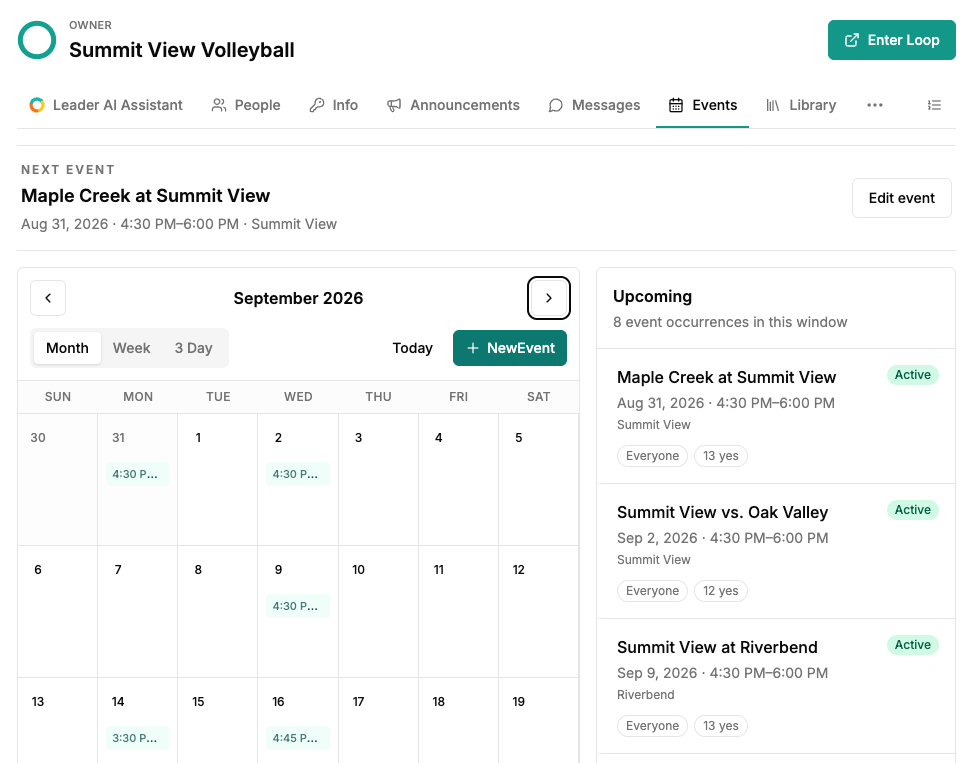
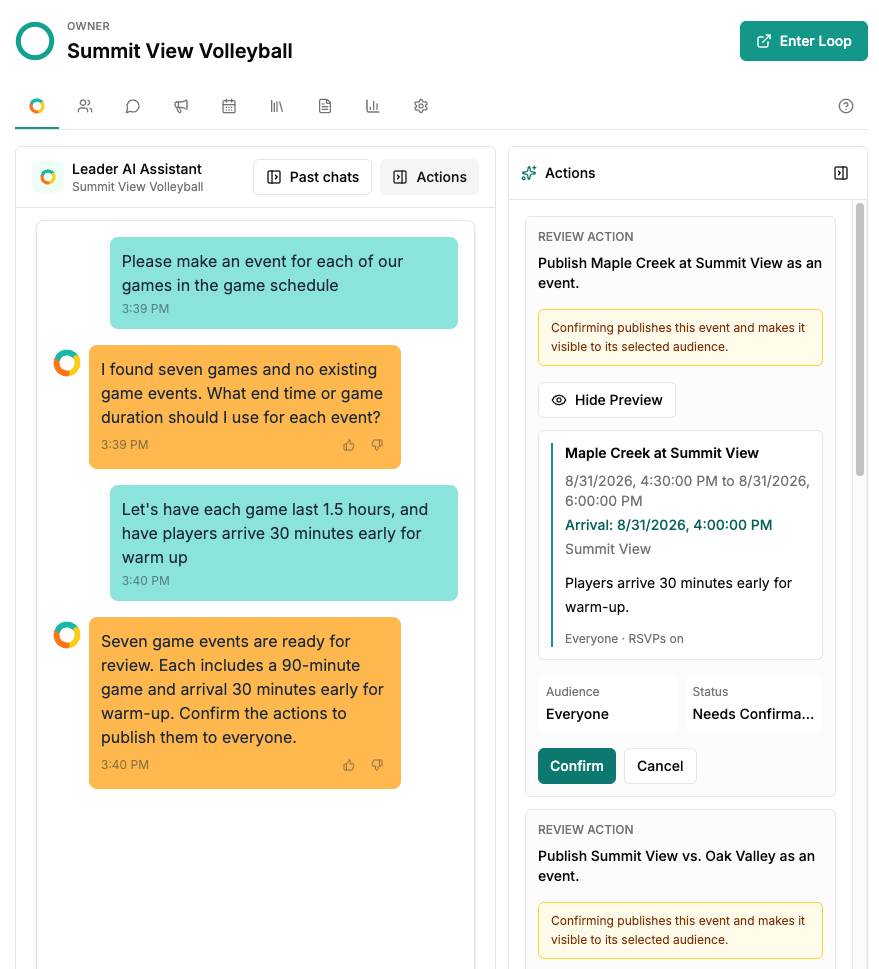
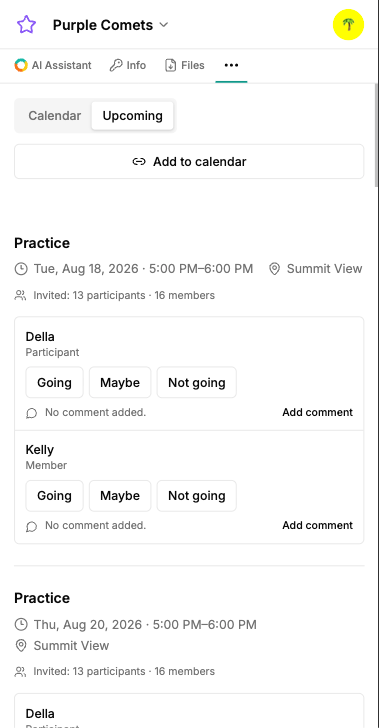
Create one-off or recurring events yourself, or give Looplet a schedule and let the assistant help. Include locations, arrival times, instructions, what to bring, and the details people actually need.

Members can view and RSVP in Looplet and add events to Google or Apple Calendar.

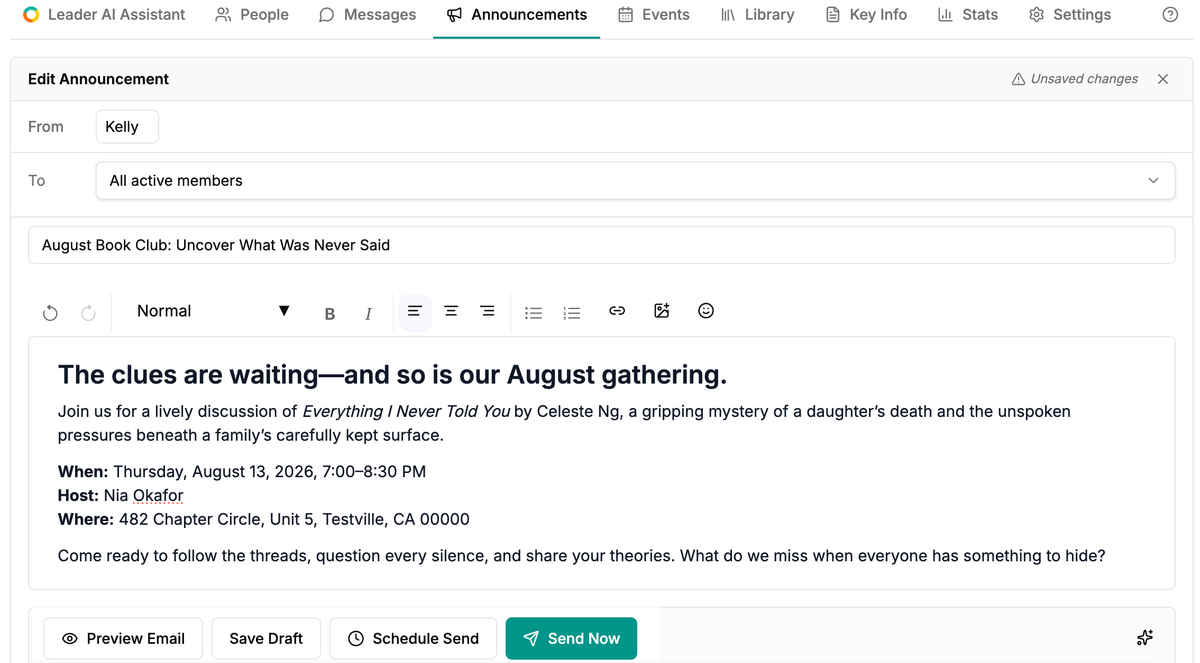
A book club leader edits an announcement and reviews its delivery settings

Tasks

Make it clear who needs to do what.

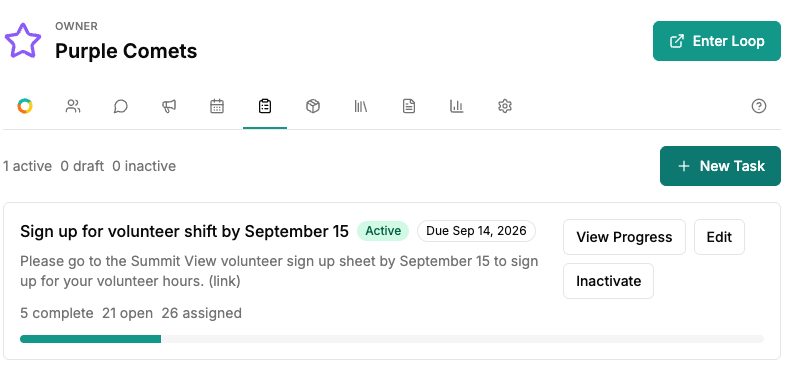
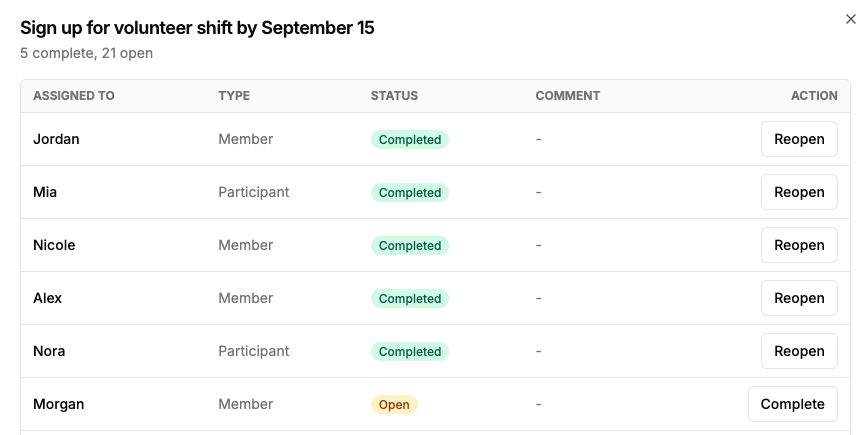
Assign tasks to individuals or your whole group. Add deadlines, instructions, and links, then see who has completed the thing.

Inventory

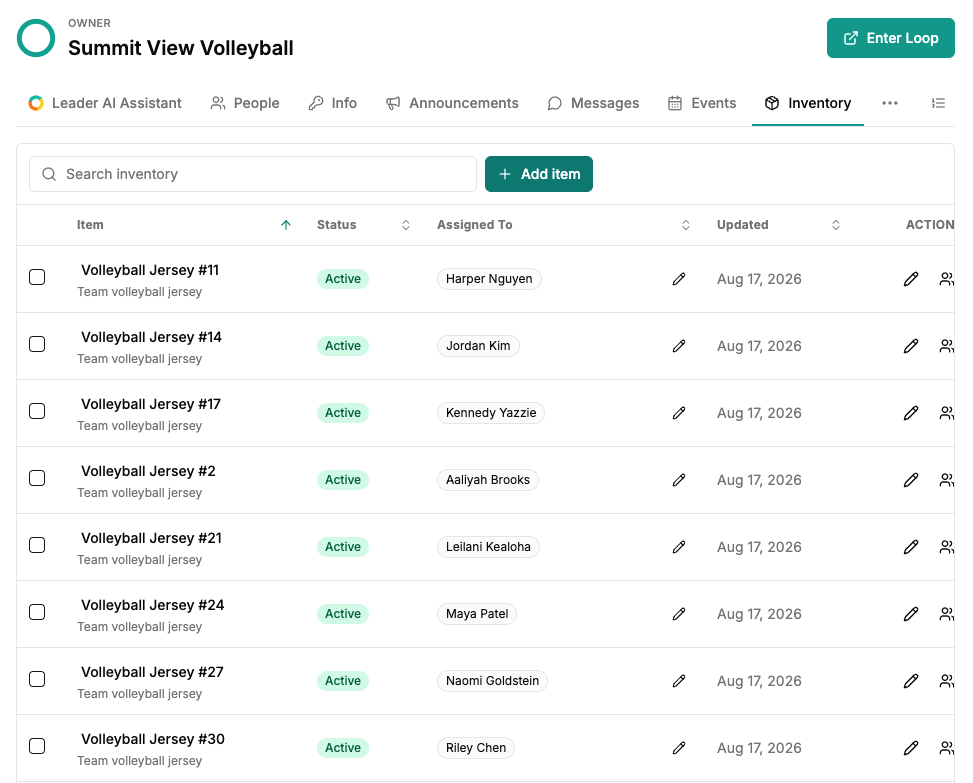
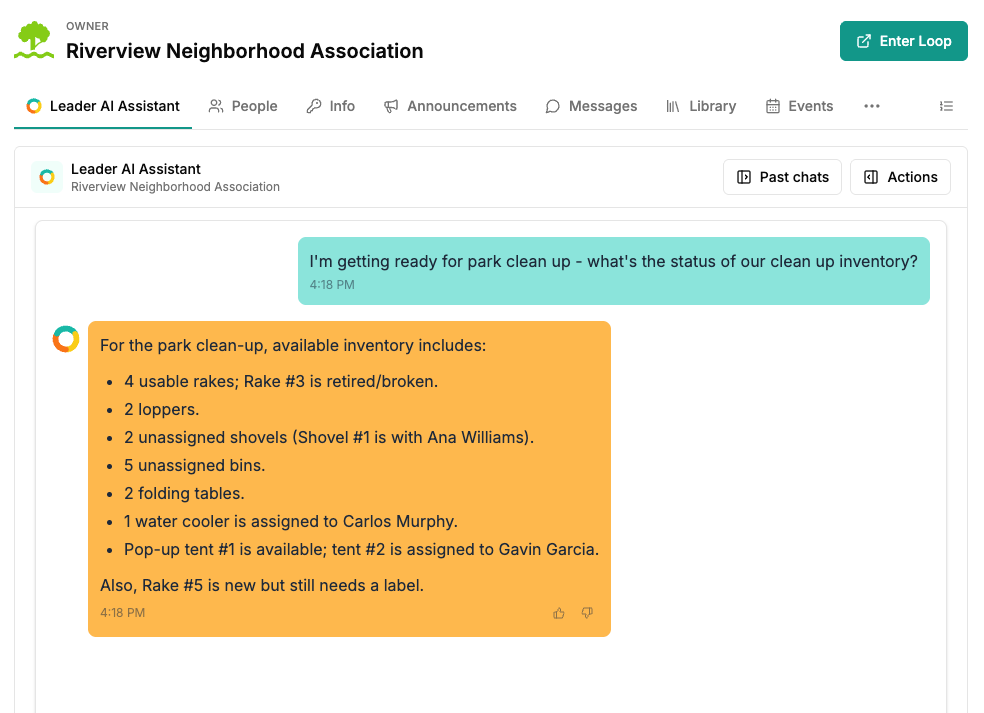
Who has the group pop-up tent?

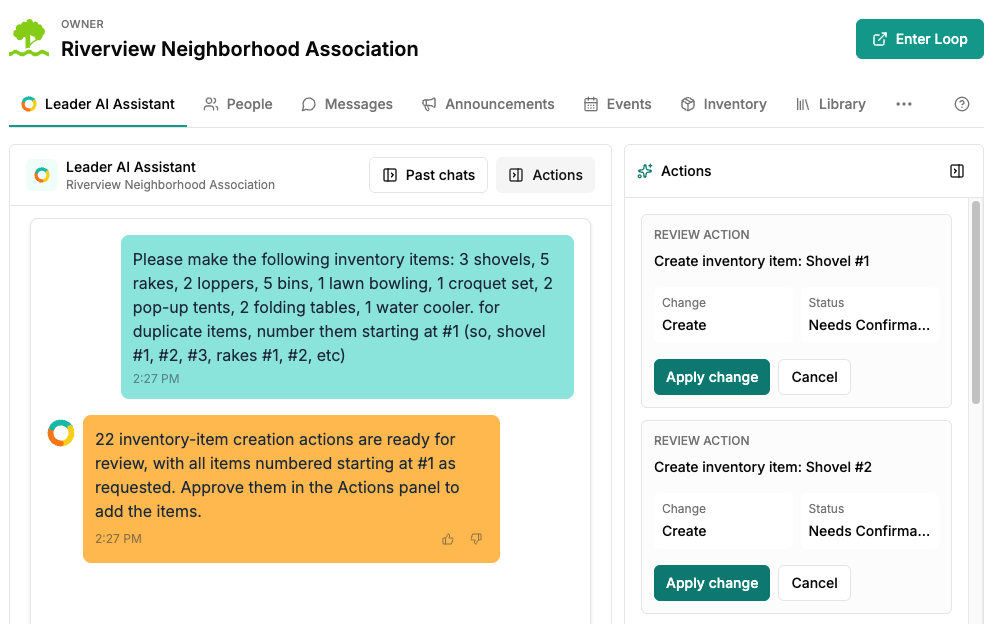
Track uniforms, instruments, equipment, books, or whatever your group shares. Assign items to people and ask Looplet who has what later.

A soccer leader checks the status of a group task

Looplet Assistant

Ask it to do the tedious stuff.

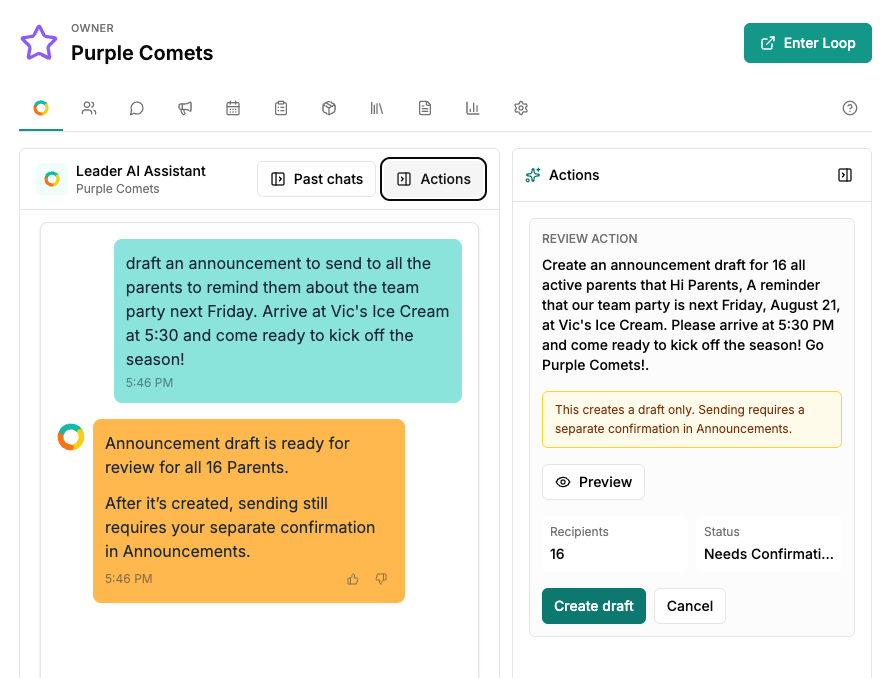
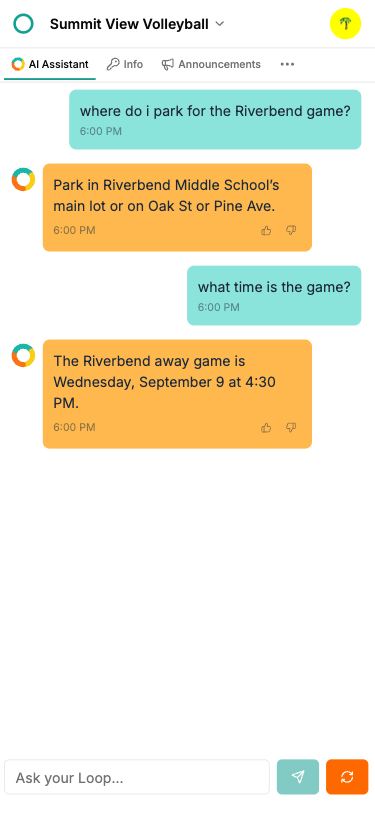
Looplet uses the information in your Loop to help get the work done. You review what it creates before saving or sending it.

A soccer leader asks Looplet to draft a team announcement and reviews the proposed action

Try things like

  • Create a note with this week's practices and games.
  • Tell the 6th graders that band practice is cancelled tomorrow.
  • Create a task for everyone to choose a volunteer shift by September 25.
  • Assign Chromebooks 1-24 alphabetically by participant last name.
A book club member sees the current selection and upcoming meeting details in Key Info

Member Experience

Finding the answer should not be a scavenger hunt.

Members can open their Loop on the web or app and see what matters, or simply ask Looplet instead of searching old messages and long handbooks.

  • Key Info
  • Announcements
  • Messages
  • Events and RSVPs
  • Tasks
  • Shared information and files

Ready to make your group a little easier to run?

Create a Loop